Reddit-Inspired Free Instagram Grid Planner: Preview & Plan Your Feed
This Reddit-inspired free Instagram grid planner lets you upload your photos, drag them into place, and preview exactly how your feed will look before you post — no signup, no app download, and your images never leave your device.
Plan your feed
Upload, rearrange, and preview your grid
Add the photos you're planning to post, then click two tiles to swap their spots (or drag on desktop) until your feed feels balanced. When it looks right, download your grid preview as one image.
Drop photos here, or click to upload
JPG, PNG or WebP — add as many as you like
Your photos stay private: everything is processed directly in your browser. Your images are never uploaded to a server, stored, or visible to me, so you can plan your feed with complete privacy.
Free Instagram grid planner by Gabi Digital Products — browse our Instagram templates to fill your grid with a cohesive look.
Feed strategy
6 Instagram grid layout ideas to try in your planner
Not sure what to aim for once your photos are in the grid? Here are the layout styles that consistently make a feed look intentional rather than random.
New collection
Once your grid is planned, fill it with posts that actually convert
Planning your layout is only half the work, the other half is what goes into each tile. My Instagram template packs are made for LTK, ShopMy, Amazon affiliate content, blog promos, launches, UGC, digital products, and physical products. 200 templates (matching Story and portrait designs) in cohesive themes, so your grid always looks polished.
Shop Instagram templates →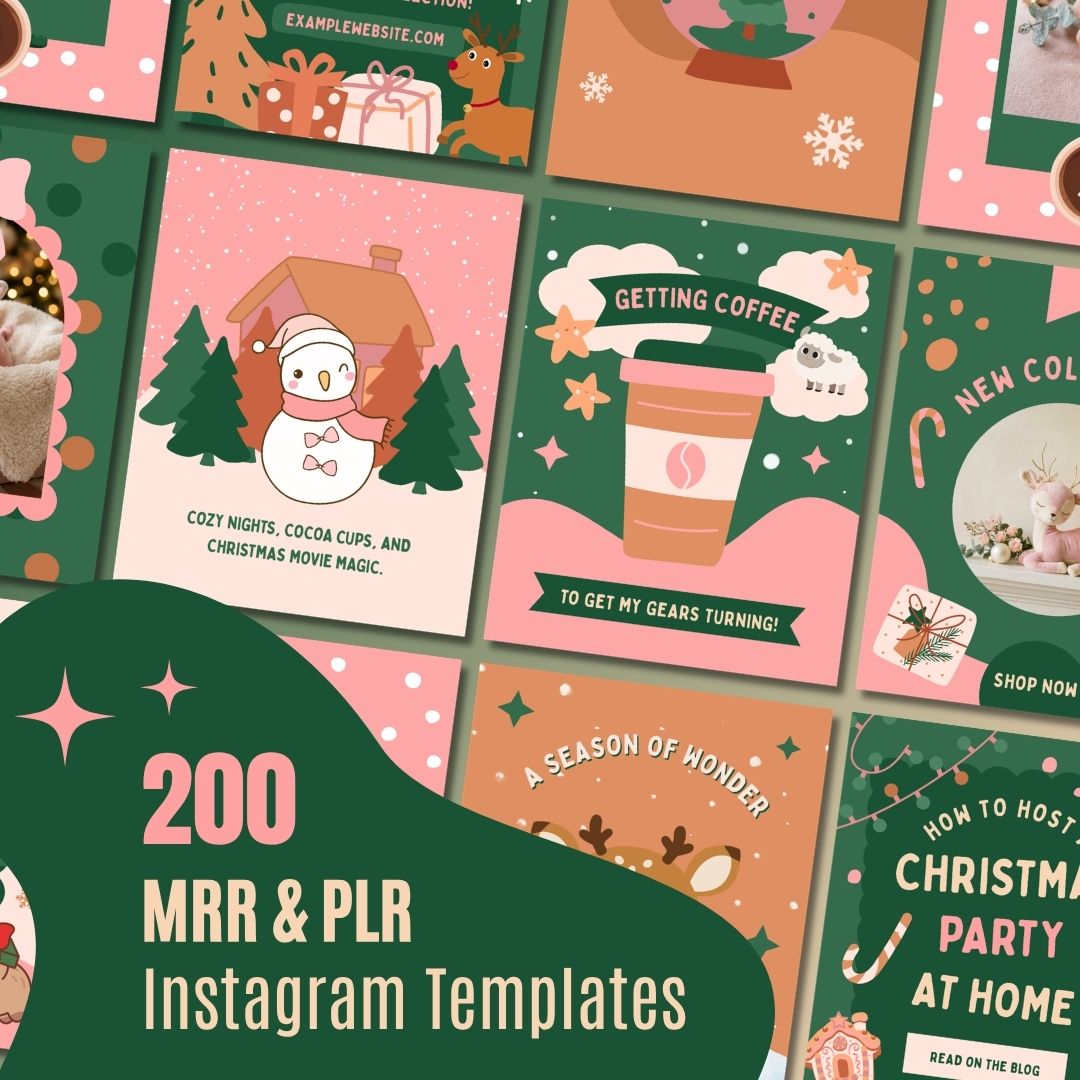
More free tools
Questions?
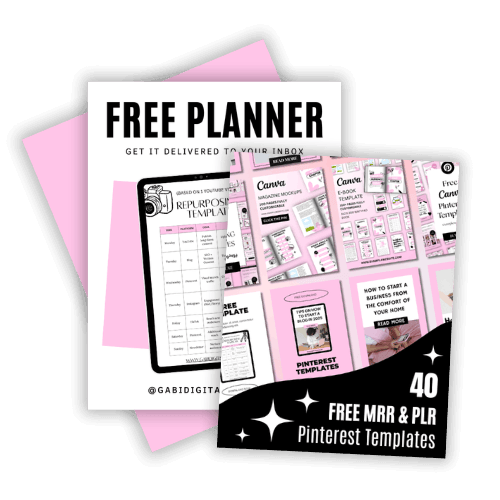
Steal My Viral Content System (For Free)
Now that your grid's planned, keep the momentum going. I'm giving you the exact templates I use to promote my own products, plus my Repurposing Planner, built in Canva, so you can resize it for Instagram, Pinterest, or wherever you post next.
You'll get 40 high-converting templates, 100% editable in Canva, plus the blueprint to turn one video into a week of Instagram and Pinterest content. Use them, rebrand them, and start driving traffic without the design burnout.
DOWNLOAD THE GROWTH BUNDLE